
Saloma Voice Studio turns typed text into a ready-to-use phone recording. Write a greeting, compare takes at real 8 kHz phone quality, save it for a workflow, and design an original brand voice to reuse across menus and hold messages.
Saloma Voice Studio works as an AI phone greeting generator inside the Saloma console. Type a greeting, compare takes as a caller would hear them and save the best one as a phone recording. It is also Saloma’s own voice customisation tool: your organisation can design and remix original voices, then use them as voice choices across its call setup, without a recording studio or a voice actor.
What Voice Studio does and where to find it
Voice Studio gives your organisation voices of its own by design. Rather than uploading audio, you describe an original adult voice in words, or remix an existing voice into a new one. Every voice is original, not a copy of a real person, which keeps your brand sound distinct and avoids impersonation questions.
It sits under Agents > Voice Studio and has four areas:
- Playground: type text and hear it spoken
- Create a voice: design or remix a voice
- My voices: your organisation’s own voices
- Explore: the 30 standard voices
Voice Studio is off by default, so a platform administrator switches it on first.
Step 1: Write the greeting and compare takes
In the Playground, pick a standard voice or one of your own. Type your greeting, or start from a sample line in English, Malay, Malaysian English, Mandarin or Tamil.
Generate one to three takes. Each is generated separately, so each sounds slightly different, giving you a genuine choice. Switch on Phone quality to hear the 8 kHz telephone audio a caller actually hears, not the cleaner studio version. Replaying a take is free. By default, a preview holds up to 300 characters.
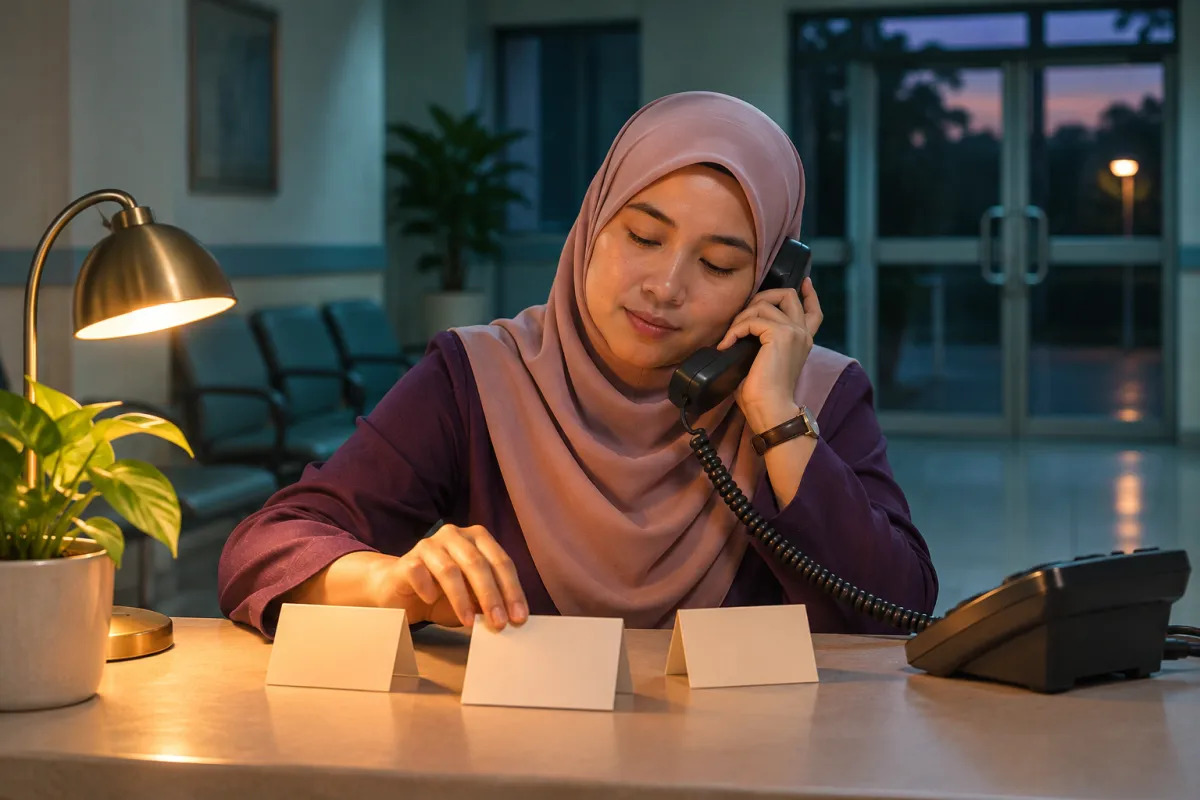
Illustrative scenario: a clinic administrator drafts an after-hours greeting in Malay. With Phone quality on, she compares three takes and finds one says the clinic’s name more clearly over the line. She replays it a few times at no extra cost, then moves straight to saving it.
Step 2: Save it as a recording and play it on calls
Type the final text, give it a clear name and select Save as recording. Voice Studio speaks it in the chosen voice at phone quality and adds it to your organisation’s recordings. A Play recording step in a workflow can then use it.
This suits greetings, menus, hold messages and after-hours notices. A recording holds up to 1,500 characters by default. Because the call plays saved audio, it works with every agent. Saved recordings count towards your recordings storage, so clearing out old versions keeps the library tidy.
Give your brand a consistent voice: design and remix
Under Create a voice, describe the age range, warmth, pace, pitch and accent you want. You may also choose a language and gender. Creation takes up to about a minute, then you can play a sample.
To adjust a voice, remix it with a short instruction such as “slightly slower and warmer”. The remix becomes a separate voice and the original stays unchanged, so you can build a small family of related voices.

Illustrative scenario: a hotel’s front office lead designs a warm, unhurried voice with a Malaysian English accent for the main greeting, then remixes it slightly slower for hold messages. Both feed recordings for greetings, menus and the hold queue, so guests hear one recognisable sound from first ring to transfer.
In My voices you can hear, rename, remix or delete each voice and see its status, how it was made and when it was last used. Deleting a voice removes it immediately, but recordings already saved with it keep playing. A voice unused for a year is removed automatically.
See it in action Request a demo to explore how this could work for your team.
Roles, cost and limits to plan for
| Role | Access |
|---|---|
| Tenant administrators | Create, remix, rename, delete, save |
| Agent managers, workspace administrators | Listen only |
| Reporting viewers | No access |
This split makes review simple. A customer service manager listens in My voices and Explore, notes changes, and the tenant administrator makes the edits.
Every generation is billed as text-to-speech usage: each Playground take, each Hear button, each saved recording and the sample made when a voice is created. Usage is recorded before audio is delivered; if it cannot be recorded, the audio is not delivered and nothing is charged. Platform administrators set preview and recording length limits and an optional cap on voices per organisation, with each change kept in the audit log.
Descriptions that name or imitate a real person or character, or ask for a child’s voice, are refused. Keep caller and customer details out of descriptions.
Live conversation in a Voice Studio voice is not available yet. Agents keep the voice set in their own settings, and Voice Studio voices reach callers through saved recordings. If the shared voice service is at capacity, try again later and remove voices you no longer use.