
Restaurants and service counters
Check queues, unattended counters, hygiene steps and required protective clothing, also called PPE. Review visible service conditions across shifts.

An Ordinexis product
Turn your CCTV into a second pair of eyes.
MataAI turns your existing cameras into smart monitors. Connect a supported camera or video file, then type what to look out for in plain English. MataAI checks the footage and sends alerts with marked images, summaries and reports your team can review.
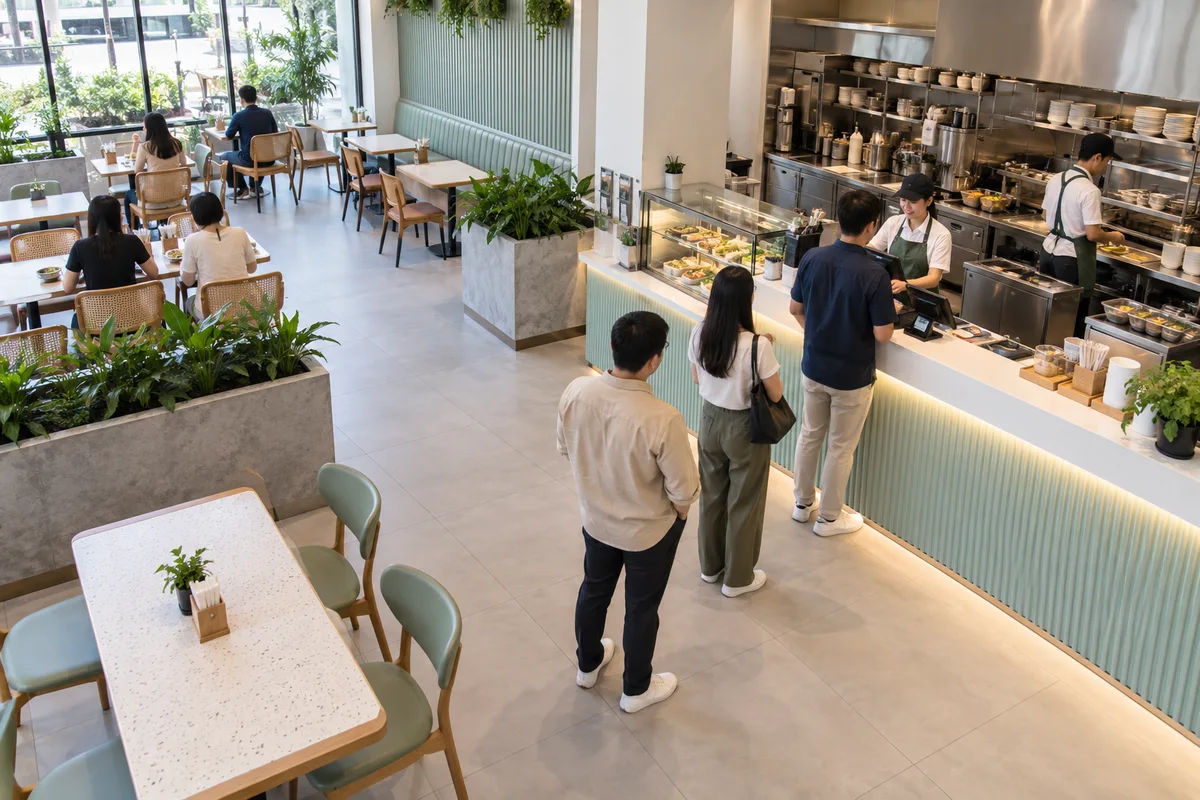
Tell me when the counter is unattended.
Evaluate the service area against your rule.
Where it helps
Use camera rules in restaurants, shops, industrial sites, warehouses and buildings. Test each rule with footage from your own setting.
Check queues, unattended counters, hygiene steps and required protective clothing, also called PPE. Review visible service conditions across shifts.
Alert staff to unattended checkout counters, spills, crowding and empty shelf spaces so they can check the problem.
Monitor PPE, restricted zones, blocked exits, and unsafe interaction between vehicles and pedestrians.
Detect after-hours presence, doors left open, vehicles in restricted areas, and failed camera feeds.
What it does
Use a browser or device camera, video file, live camera stream or image feed. Supported formats include RTSP, MJPEG, HTTP snapshots and push feeds. Check your feed during a demo.
Describe the visible condition and choose how serious it is. MataAI turns the rule into a checklist of things to look for in the image.
Choose immediate, repeated, persistent or continuous alerts. Decide whether staff should be notified once, after repeated checks or while a condition continues.
Keep marked snapshots and a history of events. Review short summaries or export reports for use offline.
Dead, black, frozen, disconnected, or looping feeds can raise a critical operational alert.
How it works
MataAI samples the feed rather than asking a person to watch every screen.
Add a live camera, stream, snapshot source, or recorded file.
Write what matters, set severity, and choose an alert policy.
An AI vision model checks selected frames against your visual checklist.
Send the alert and keep its supporting image, summary or report.
Privacy and product status
MataAI can run on your computer or local network and use a model you host through vLLM. Check all enabled services and integrations before confirming that images stay on-site.
The product is designed for operational conditions, not biometric identification or facial identity matching.
Camera and stream addresses are stored locally, masked in the interface, and kept out of server logs.
Telegram alert forwarding is available today. Email, WhatsApp, and webhook delivery are identified on the product roadmap.
Counting, heatmaps, detailed tracking, management of large camera groups and AI actions in response to events are planned features. They are not presented as available today.
Before you decide
Answers about uses, testing, setup and cost.
MataAI can use supported CCTV feeds, browser cameras, uploaded video and image feeds. Supported formats include RTSP, MJPEG and HTTP snapshots. Test the feed, network access and image quality first. A camera brand alone does not confirm compatibility.
You can test visible conditions such as an unattended counter or blocked walkway. Write the rule in plain English, try it on sample footage and review the marked images. These are possible uses, not promises of accuracy or customer results.
MataAI supports locally hosted models. Check the model connection and every enabled integration before confirming that images stay on-site. For pricing, tell us your camera feeds, rules and hosting needs. Staff must review alerts; AI does not replace safety procedures.
MataAI currently supports Telegram alert forwarding. Email, WhatsApp and webhook delivery are listed as beta or upcoming features. Confirm availability with our team before relying on a particular alert channel.
From the blog
Demo, pricing or project advice
Tell us the task and who will use it. We will show you a demo, explain the setup and give you a price.
Get a brochure or request a demo.
Choose a product PDF and tell us if you would like to speak with our team.